



Howto use XRAY PHP to diagnose a slow wordpress website running on Hoopla Hosting.
XRAY PHP tool gives you a report of which plugins, PHP code and other information of slow page loads.
- Produces a .PDF report for you indicating which WordPress plugins are causing issues.
- SQL call and other relative information in regards of slow web page loads.
How does XRAY PHP tool work?
The tool works by evaluating page loads/visits. Once you enable it, visiting the site allows the tool to inspect which plugins/code are taking too long to load and if they have issues.
- More visits to the website whilst the tool is running will result in better results.
How do I run the XRAY PHP tool on Hoopla Hosting?
- Login to your cPanel via your client area - Hoopla Hosting Client Area
- Scroll down to the software section in your cPanel and click on XRAY App
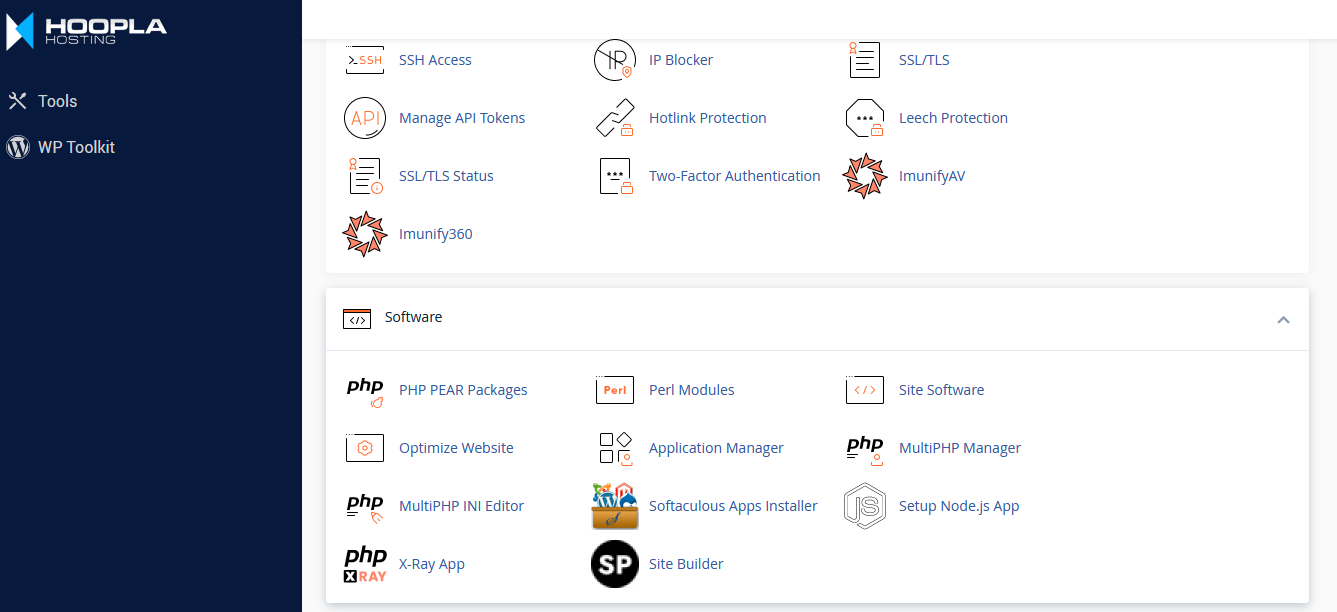
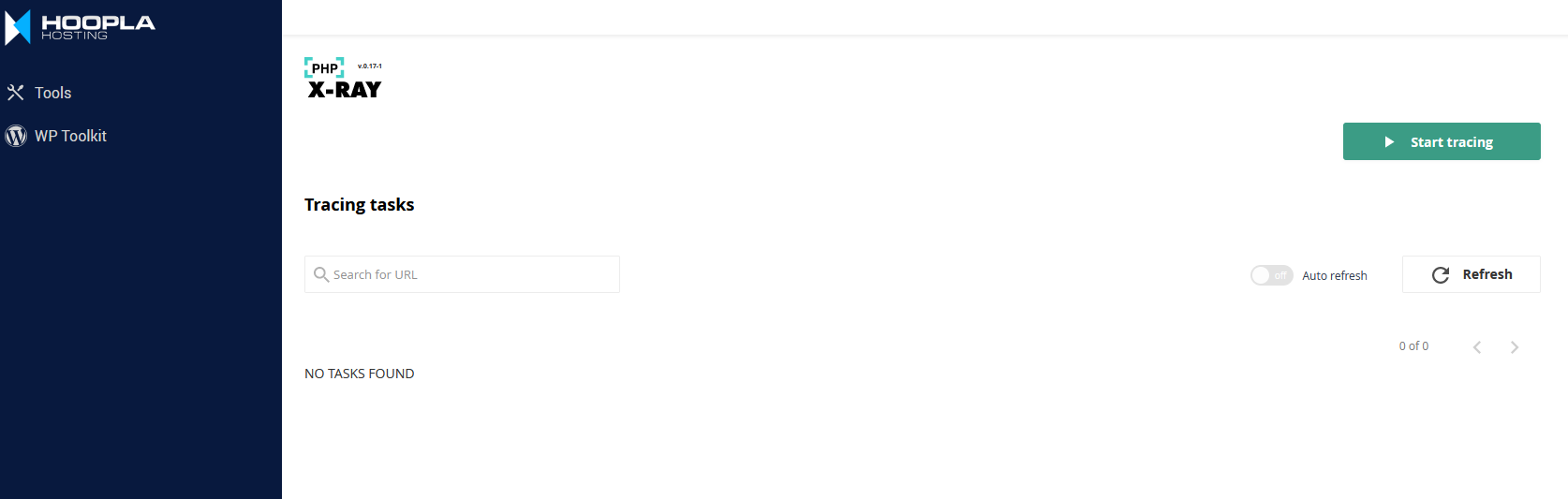
Start a tracing task on XRAY PHP:
- Click on ' Start Tracing '
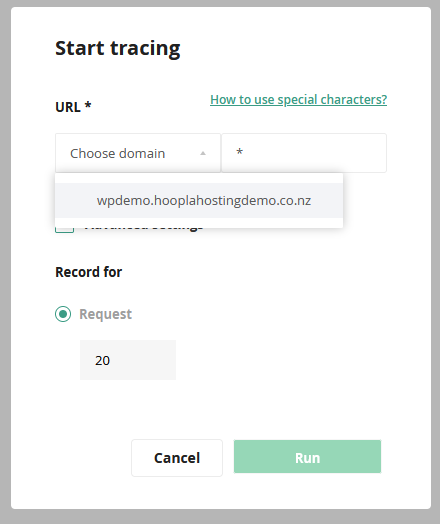
Howto configure a tracing task:
- Type in ' * ' in specify mask as pictured below.
- Choose your domain.
- Then click run.
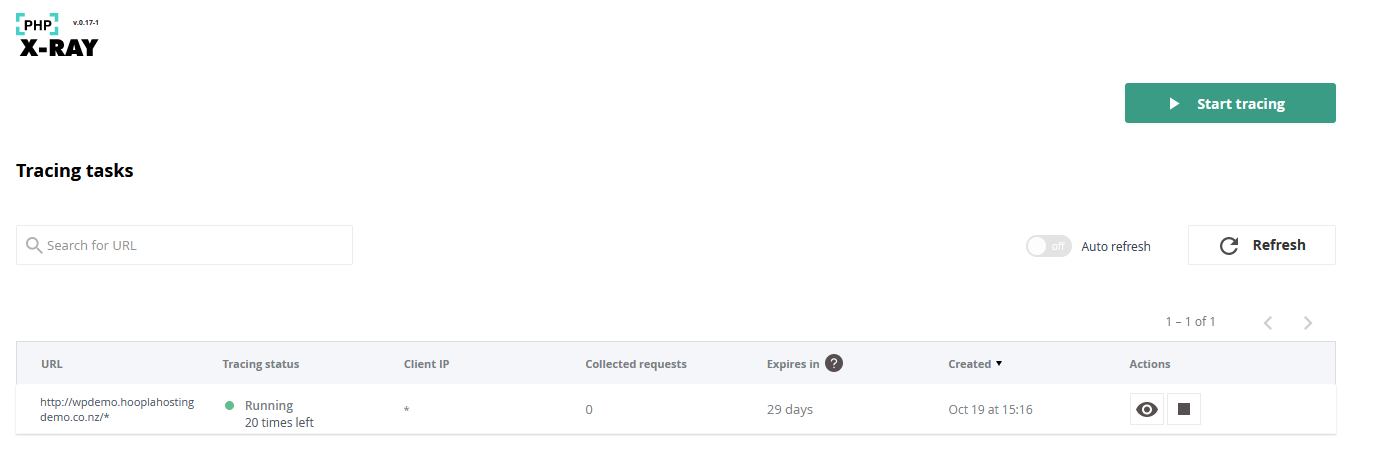
Howto view XRAY PHP reports:
- Click on the eye icon next to the tracing task you have created.
Next you will see a list of results of which you can see more information by clicking on.
( See example below below )

From there you can see which plugins are causing issues and slowness within your wordpress.
" Download as PDF " will appear once enough data is available or the tracing task has completed. You can then download a full PDF report indicating what plugins are causing slowness on your wordpress.
If you have any issues with XRAY PHP App on your Hoopla Hosting account - Feel free to reach out and our team will be happy to assist.
