• Manage domains
  • Launch databases
  • Publish a website
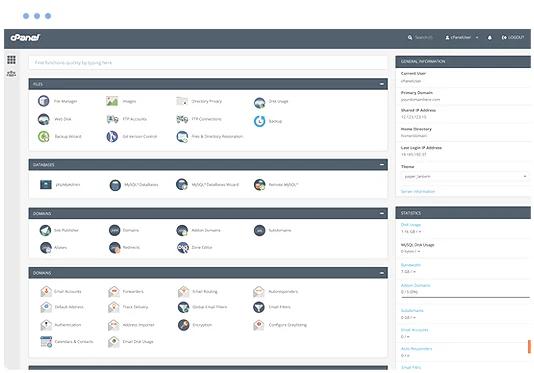
cPanel hosting control panel

XCloner Web Hosting

Run XCloner on a managed cPanel hosting platform with the tools needed to manage your website, email, databases and SSL.

  • XCloner Compatible
  • Multiple Website Support
  • Unlimited Email Accounts
  • Web Application Firewall
  • SSL Certificates Included
  • Easily install XCloner
  • cPanel control panel
  • 24/7 Support Helpdesk
Softaculous one-click application installer

Application installs with Softaculous

Softaculous lets you install and manage supported applications through cPanel, including XCloner and other others scripts such as OpenBiblio, WeBid, Seo Panel, YOURLS, GLPI, Form Tools, Open Journal Systems, Commentics, webtrees and SPIP.

Install or manage supported applications from your hosting control panel without a manual setup process.

Web Hosting Pricing from $12.0405 Per Month


VIEW ALL PACKAGES

XCloner hosting features

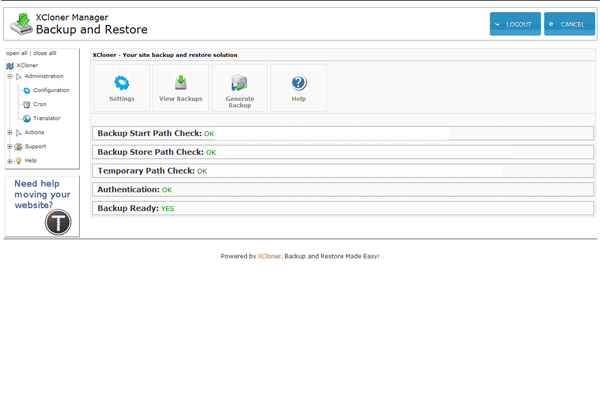
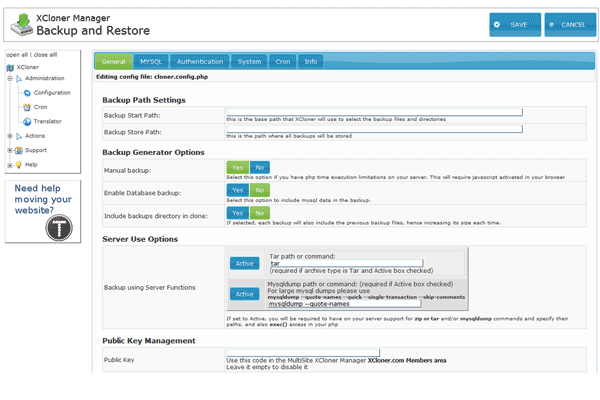
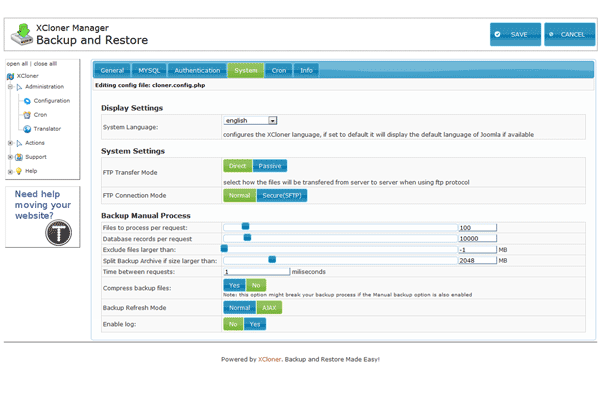
XCloner is a professinal backup and restore application designed for PHP/Mysql websites

XCloner 0 XCloner 1 XCloner 2
XCloner 3

The Benefits of XCloner Hosting

Complete website backup

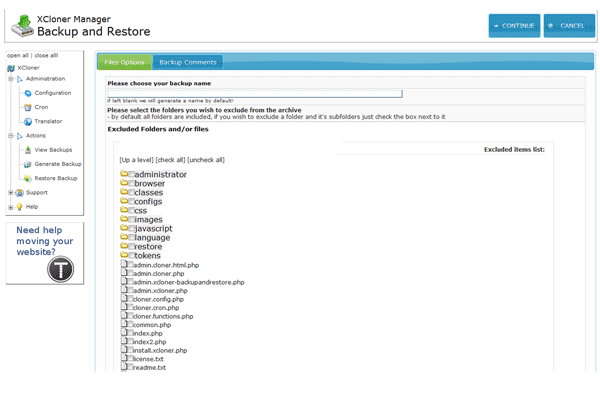
Backup your website files and databases, send them to the cloud, restore backups anywhere.

Automatic backups

Create automatic backups with the built in XCloner cron script, and send them to Amazon S3.

Secure

XCloner has a built in security layer to protect and easily restore your website backups.

Restore backups anywhere

Easily restore backups on any location compatible with your website by using the XCloner restore.

Open Source Support

XCloner works as a native Joomla backup extension, Wordpress backup plugin and Standalone website backup application.

Professional Support

We offer Professional 24/7 support through the Free forums or Premium membership.

Other

  • Backup and Restore any PHP/Mysql website
  • Create custom backups
  • Generate automatic backups based on cronjobs
  • Restore your backups anywhere
  • Share your custom backups with your clients
  • Store you backups on the Amazon S3 cloud
  • Backend available languages: spanish, dutch, deutsch, english, italian, polish, russian, catalan, french
  • Incremental mysql backup supporting large databases
  • Incremental file system scanning and backup supporting large websites
  • Backup Split option for environments with limited filesize
  • JQuery Start UI
  • Incremental files restore supporting large backups

XCloner News

- Learn why WordPress backups with Backblaze are safer with this simple trick
- Critical update required for all users of XCloner for WordPress 4.2.152 and earlier
- What is WebDAV Storage for WordPress Sites?
- What is the Cheapest Backup Storage for WordPress Sites?
- XCloner Now Supports WP-CLI and Microsoft OneDrive
- How to Send WordPress Backups to Amazon S3 Glacier
- Why We Chose Docsify for the New XCloner Documentation
- Welcome to the New XCloner Website and Documentation
- XCloner Requires PHP 7.1
- XCloner 4.2 Has New Features, Fixes and a CLI

Explore related applications