• Manage domains
  • Launch databases
  • Publish a website
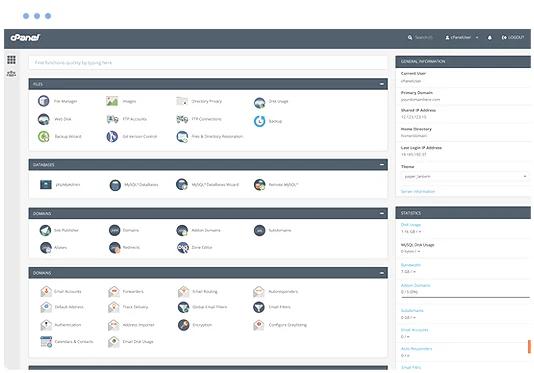
cPanel hosting control panel

Kanboard Web Hosting

Run Kanboard on a managed cPanel hosting platform with the tools needed to manage your website, email, databases and SSL.

  • Kanboard Compatible
  • Multiple Website Support
  • Unlimited Email Accounts
  • Web Application Firewall
  • SSL Certificates Included
  • Easily install Kanboard
  • cPanel control panel
  • 24/7 Support Helpdesk
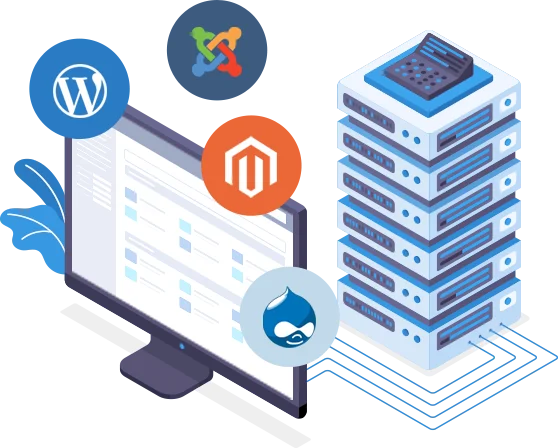
Softaculous one-click application installer

Application installs with Softaculous

Softaculous lets you install and manage supported applications through cPanel, including Kanboard and other projectman scripts such as qdPM, ProjectPier, PHProjekt, Feng Office, dotProject, Collabtive, Mantis Bug Tracker, Traq, phpCollab and TaskFreak.

Install or manage supported applications from your hosting control panel without a manual setup process.

Web Hosting Pricing from $12.0405 Per Month


VIEW ALL PACKAGES

Kanboard hosting features

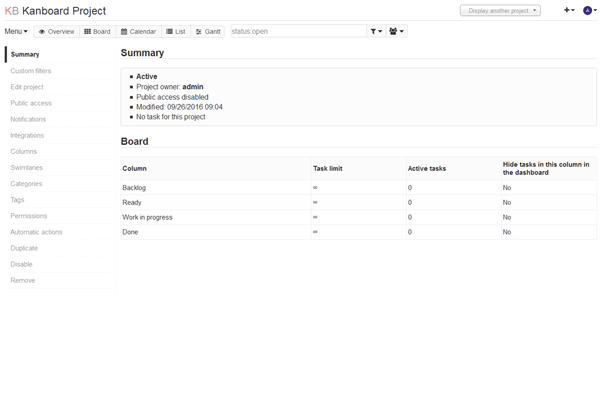
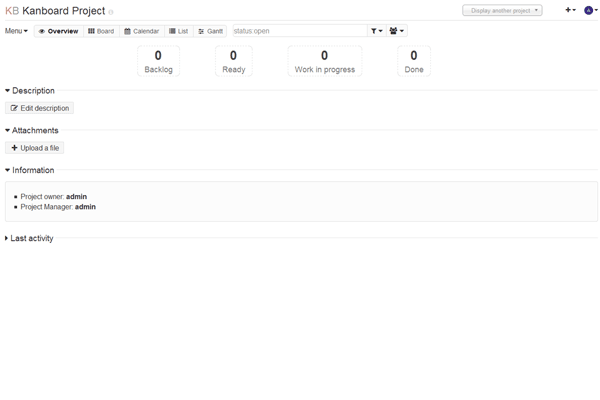
Kanboard is a project management software that uses the Kanban methodology

Kanboard 0 Kanboard 1 Kanboard 2
Kanboard 3 Kanboard 4

The Benefits of Kanboard Hosting

  • Simple : There is no fancy user interface, Kanboard focus on simplicity and minimalism. The number of features is voluntary limited.
  • Visual and clear overview of your tasks : The Kanban board is the best way to know the current status of a project because it's visual. It's very easy to understand, there is nothing to explain.
  • Search and filter tasks : Kanboard have a very simple query language that offer the flexibility to find tasks in no time.
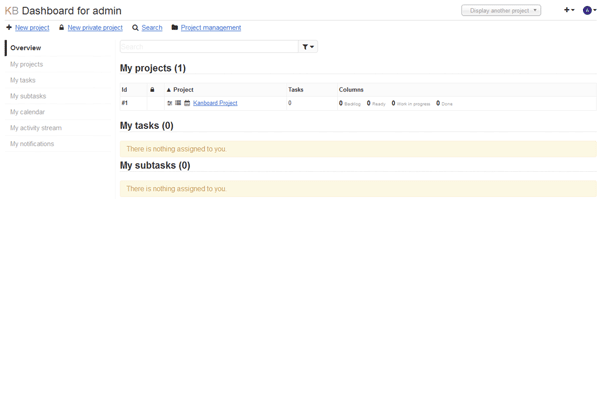
  • Single dashboard for all projects : Get all important information in one place, your projects, you calendar, your assigned tasks and subtasks.
  • Work in team or alone : Kanboard is designed for small teams but you can also work alone. For each project, you can add members and project managers with more privileges.
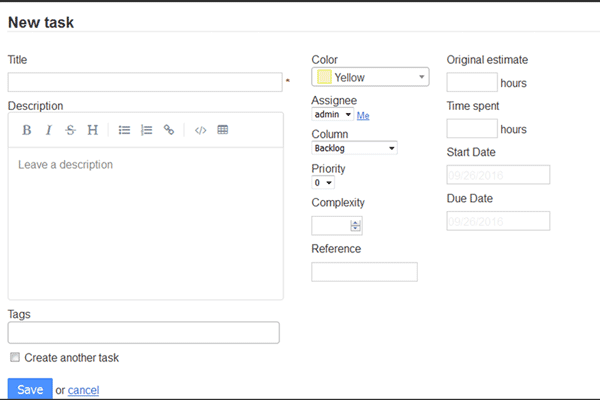
  • Tasks, subtasks, attachments and comments : Break down a task into subtasks, estimate the time or the complexity. Describe your task by using the Markdown syntax. Add comments, documents, change the color, the category, the assignee, the due date.
  • Automated actions : Don't repeat yourself! Automate your workflow. Stop doing again and again the same thing manually. Change automatically the assignee, colors, categories and almost anything based on events.
  • Swimlanes : Swimlanes are horizontal separations in your board. You can divide the board into several sections to manage software releases or anything else.
  • Gantt charts : Visualize the timeline of your projects. Allocate resources effectively. Plan your projects in minutes.
  • Analytics and reports : Analyze and improve your workflow by using the cumulative flow diagram or the burndown chart. Visualize the lead and cycle time of your projects.

Explore related applications