• Manage domains
  • Launch databases
  • Publish a website
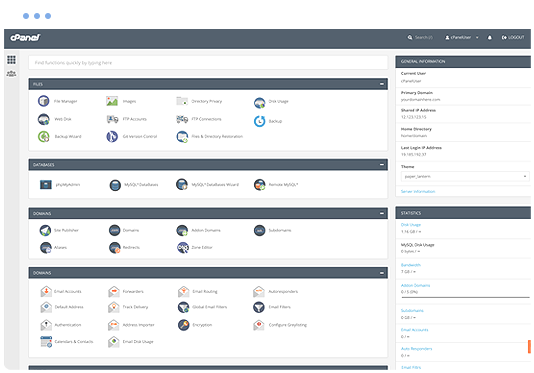
cPanel hosting control panel

Event Schedule Web Hosting

Run Event Schedule on a managed cPanel hosting platform with the tools needed to manage your website, email, databases and SSL.

  • Event Schedule Compatible
  • Multiple Website Support
  • Unlimited Email Accounts
  • Web Application Firewall
  • SSL Certificates Included
  • Easily install Event Schedule
  • cPanel control panel
  • 24/7 Support Helpdesk
Softaculous one-click application installer

Application installs with Softaculous

Softaculous lets you install and manage supported applications through cPanel, including Event Schedule and other calendars scripts such as WebCalendar, Booked, ExtCalendar, LuxCal, SuperCali and phpicalendar.

Install or manage supported applications from your hosting control panel without a manual setup process.

Web Hosting Pricing from $12.0405 Per Month


VIEW ALL PACKAGES

Event Schedule hosting features

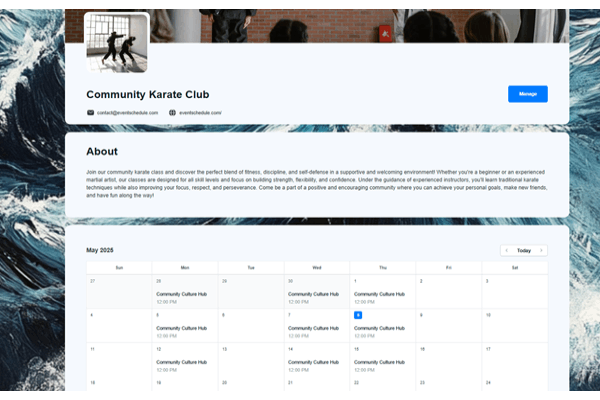
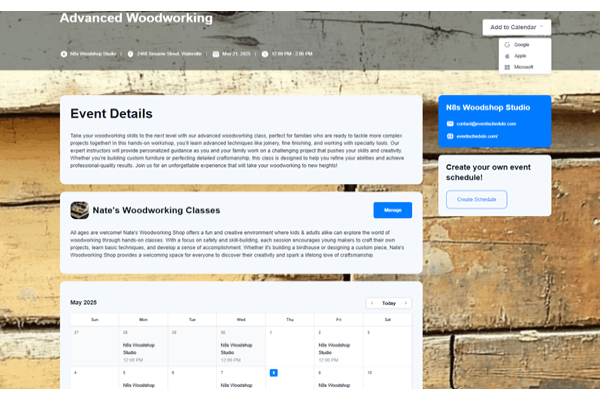
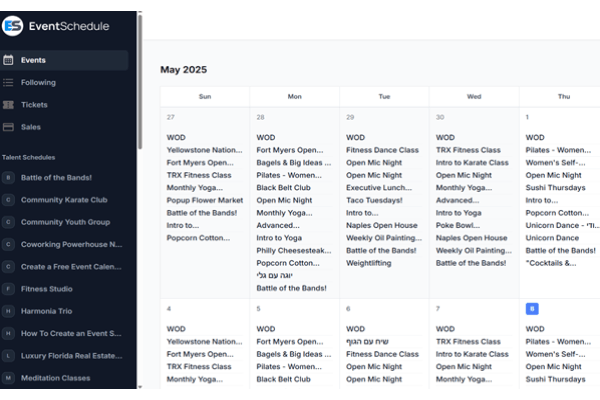
Event Schedule is an open-source platform to create calendars, sell tickets and streamline event check-ins with QR codes.

Event Schedule 0 Event Schedule 1 Event Schedule 2
Event Schedule 3 Event Schedule 4

The Benefits of Event Schedule Hosting

  • Event Calendars: Create and share event calendars effortlessly to keep your audience informed.
  • Sell Tickets Online: Offer ticket sales directly through the platform with a seamless checkout process.
  • Online Payments with Invoice Ninja Integration: Accept secure online payments via Invoice Ninja.
  • AI Event Parsing: Automatically extract event details using AI to quickly create new events.
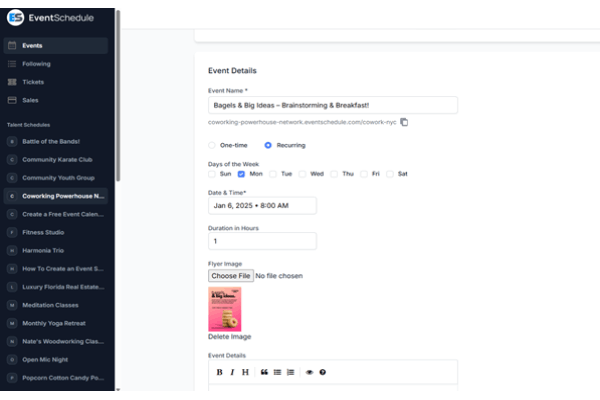
  • Recurring Events: Schedule recurring events which occur on a regular basis.
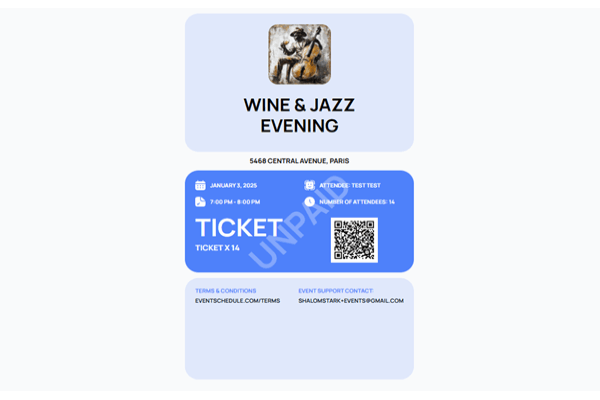
  • QR Code Ticketing: Generate and scan QR codes for easy and secure event check-ins.
  • Support for Online Events: Use the platform to sell tickets to online events.
  • Team Scheduling: Collaborate with team members to manage availability and coordinate event schedules.
  • AI Translation: Automatically translate your entire schedule into multiple languages using AI.
  • Multiple Ticket Types: Offer different ticket tiers, such as Standard or VIP, to meet various audience needs.
  • Ticket Quantity Limits: Set a maximum number of tickets available for each event to manage capacity.
  • Ticket Reservation System: Allow attendees to reserve tickets with a configurable release time before purchase.
  • Calendar Integration: Enable attendees to add events directly to Google, Apple, or Microsoft calendars.
  • REST API: Access and manage your events programmatically through a REST API.

Explore related applications